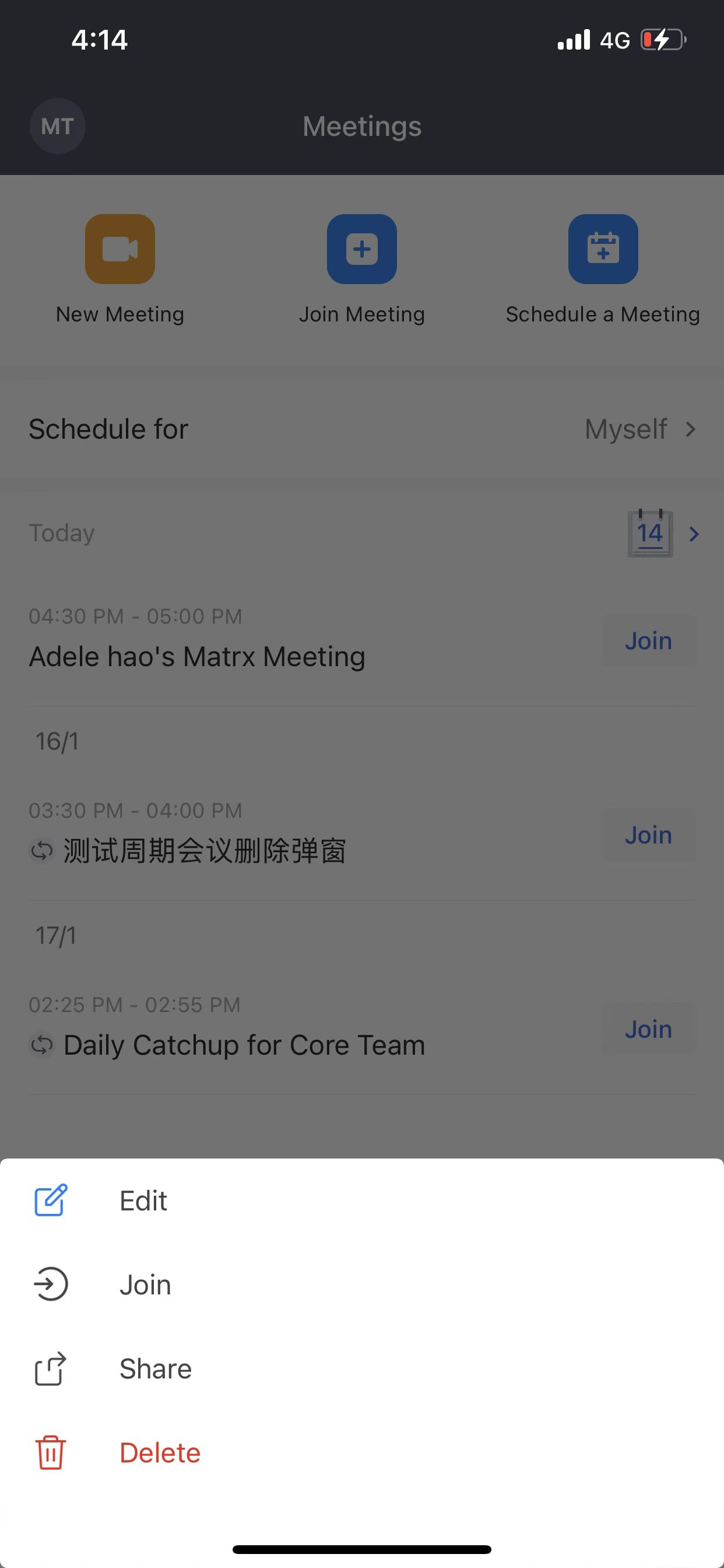
Edit a meeting
Edit a meeting
You can edit the settings of your scheduled meetings to meet your requirements before the meeting starts. If you've invited participants to the scheduled meeting, the participants will be notified of the update through emails or Meeting Assistant within Matrx.
Windows and macOS
There are 2 ways to edit a meeting on Matrx desktop clients.
1. Find the meeting you want to modify from the Scheduled Meetings list, click the meeting topic to view the details page and click the Edit button on the details page to edit the meeting.
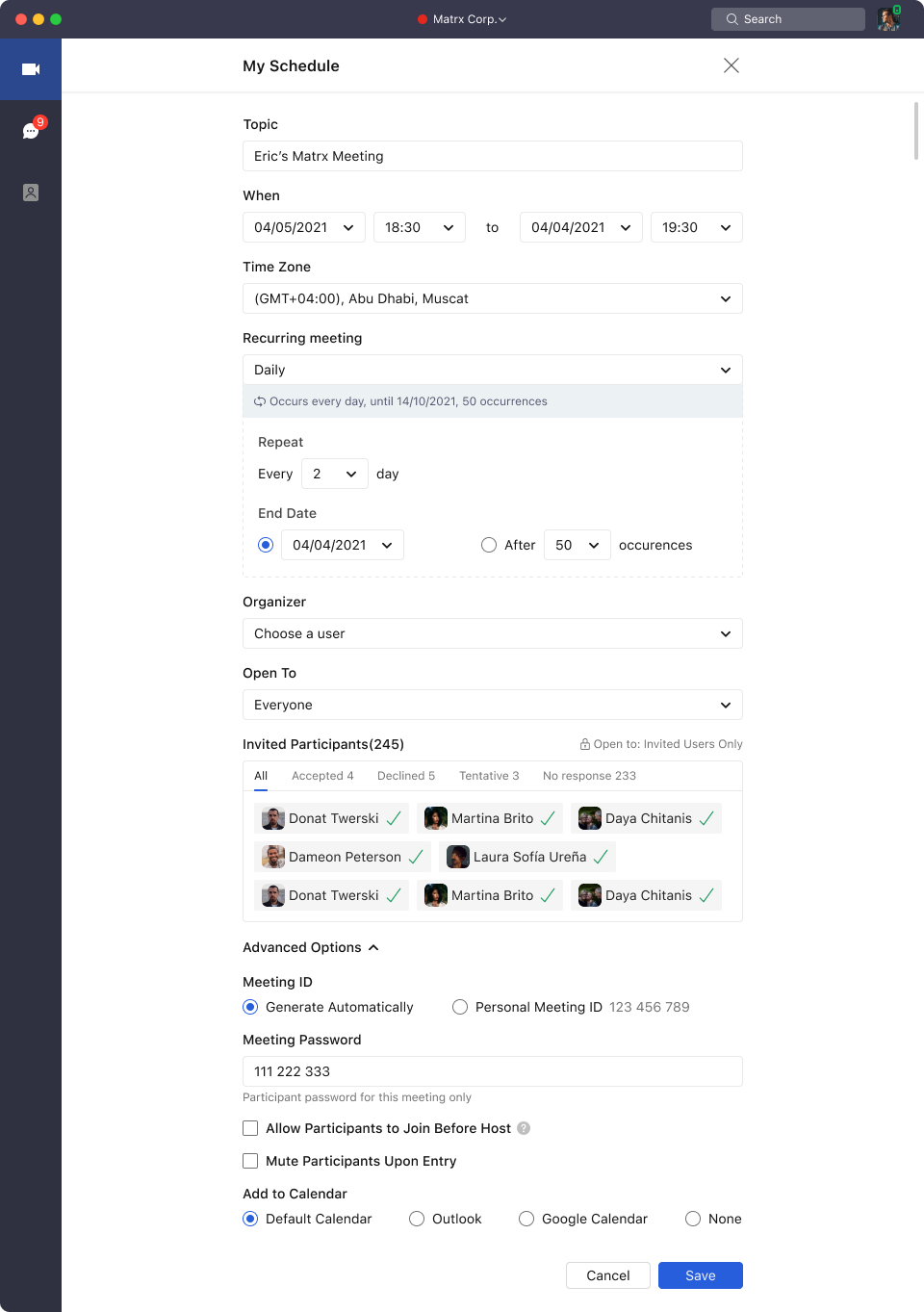
- Find the meeting you want to modify, click the More icon, and click the Edit button to enter the editing page.
Android and iOS
There are 2 ways to edit a meeting on Matrx mobile clients.
1. Find the meeting you want to modify from the Scheduled Meetings list, tap the meeting topic to view the details page, and tap the Edit icon on the details page to edit the meeting.
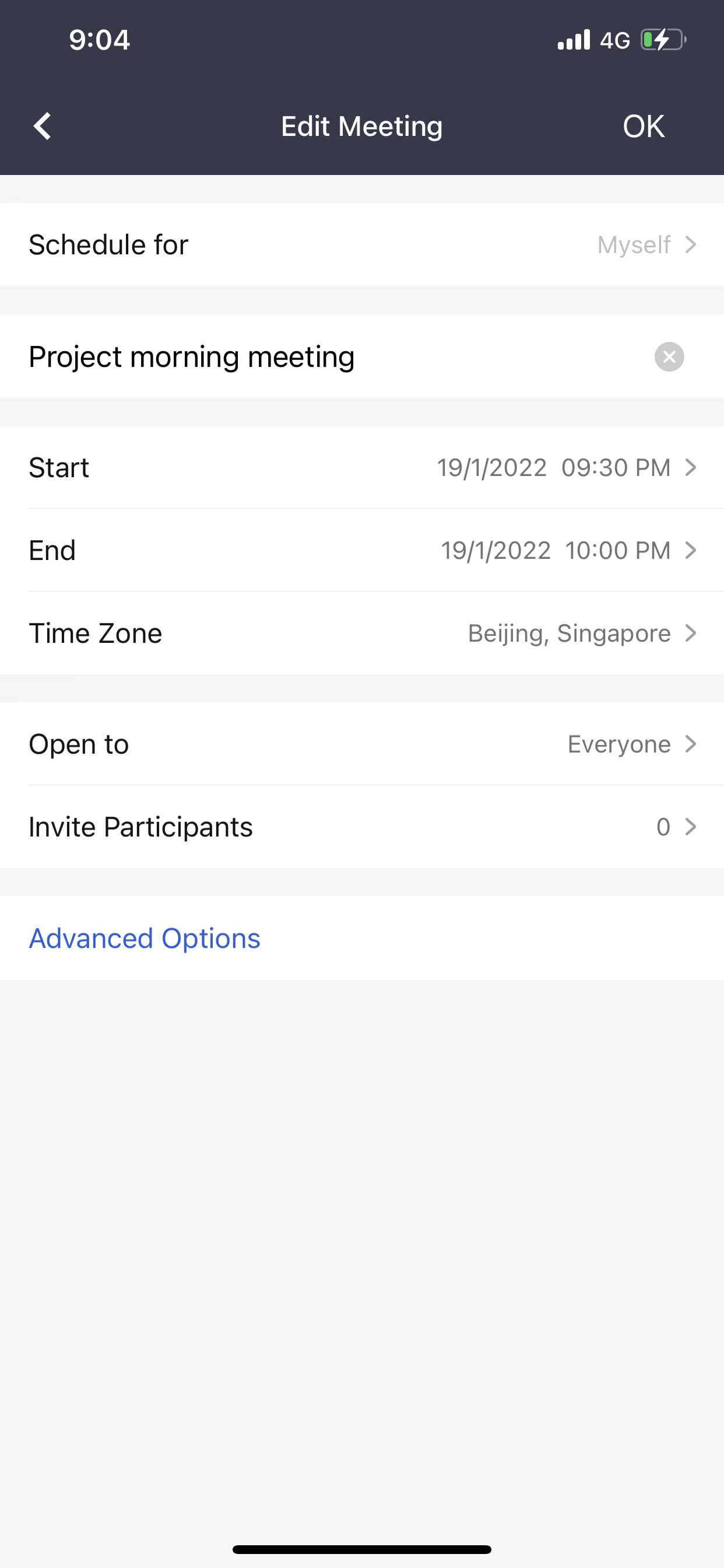
- Find the meeting you want to modify, long-press the meeting you want to modify, and tap the Edit button to enter the editing page.